
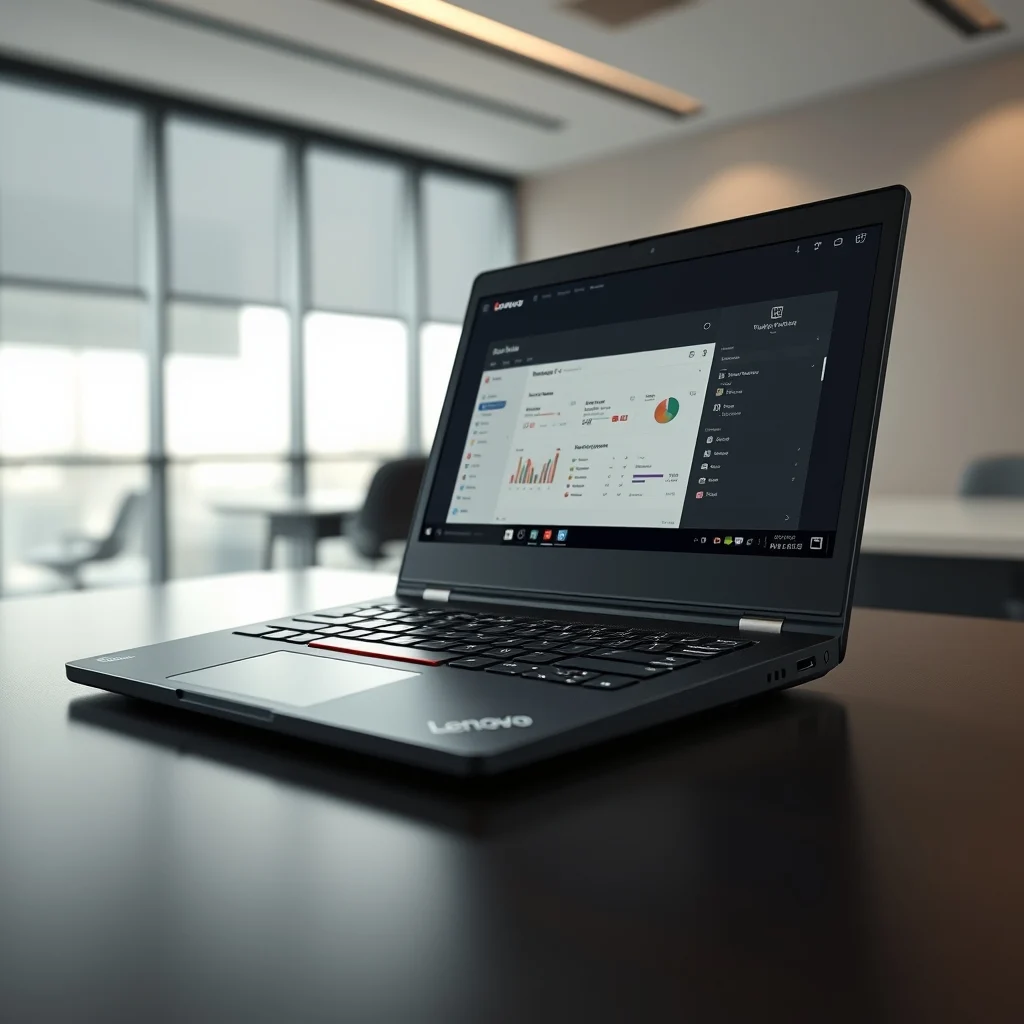

In the rapidly evolving landscape of business technology, professionals demand devices that seamlessly blend portability, performance, and durability. The Lenovo ThinkPad X1 Carbon Gen 11 has emerged as a flagship contender in this crowded market, setting a new standard for ultra-lightweight business laptops. This comprehensive review delves deep into its capabilities, examining every facet from its chassis construction to its internal architecture. Whether you are a frequent traveler, a corporate executive, or a remote worker, understanding the nuances of this machine is crucial for making an informed purchase decision.
This analysis goes beyond surface-level specifications to provide a hands-on evaluation of daily usability. We will explore how the X1 Carbon Gen 11 handles multitasking, its battery endurance under real-world conditions, and the ergonomics of its renowned keyboard. Our goal is to determine if this device justifies its premium price tag in the current economic climate. By the end of this article, you will have a clear understanding of whether this laptop is the right tool for your professional workflow.
🚀 Overview of the X1 Carbon Gen 11
The Lenovo ThinkPad X1 Carbon Gen 11 represents the latest iteration in a lineage known for reliability and business-centric design. It is engineered specifically for the modern professional who refuses to compromise on performance while traveling. The device leverages the latest Intel Core Ultra processors, offering significant improvements in power efficiency compared to previous generations. Its carbon fiber reinforced chassis ensures it remains lightweight without sacrificing structural integrity.
What sets this model apart is its comprehensive approach to connectivity and security. It includes a full suite of ports, eliminating the need for dongles in many scenarios. The display options cater to various needs, from standard office work to creative tasks requiring color accuracy. For the business user, the device promises a seamless workflow with minimal downtime. It is designed to keep you productive from the first coffee of the morning until the last meeting of the day.
🎯 Performance Analysis and Market Relevance
Understanding the market position of the X1 Carbon Gen 11 requires an examination of the current business laptop sector. Professionals are increasingly seeking devices that can handle complex workloads without the bulk of a traditional workstation. This laptop addresses that demand by integrating high-performance computing into a slim form factor.
- Technical background: The device utilizes advanced thermal management systems to maintain peak performance without excessive fan noise.
- Search intent: Users are actively looking for reliable machines that support hybrid work environments and video conferencing.
- Market relevance: There is a growing demand for secure, manageable devices in enterprise environments.
- Future outlook: As AI integration becomes standard, this machine is well-positioned to handle local AI tasks.
🛠️ Technical Concept and Architecture
📊 What is the Lenovo ThinkPad X1 Carbon Gen 11?
The Lenovo ThinkPad X1 Carbon Gen 11 is a premium ultrabook designed for enterprise users and business professionals. It serves as a flagship product in the ThinkPad family, focusing on durability, performance, and portability. The device is categorized as a high-end business laptop, suitable for executives, developers, and consultants who require a reliable machine on the go.
- Core definition: A 14-inch ultra-lightweight business laptop.
- Primary function: Productivity, communication, and mobile computing.
- Target users: Corporate professionals and business travelers.
- Technical category: Premium ultrabook.
⚙️ How does it work in detail?
The internal architecture of the X1 Carbon Gen 11 is built around the Intel Core Ultra platform, which introduces a hybrid architecture of performance and efficiency cores. This design allows the processor to dynamically allocate tasks based on workload intensity. When you are running heavy applications like video editing software or multiple virtual machines, the performance cores engage to provide maximum throughput. Conversely, during light tasks like web browsing or document editing, the efficiency cores take over to conserve battery life.
The thermal design is equally critical to its operation. Lenovo has implemented a sophisticated cooling solution that utilizes vapor chamber technology. This allows heat to dissipate more evenly across the chassis, preventing hotspots that could throttle performance. The system fans are tuned to remain quiet during standard office tasks, ensuring that your meetings and calls are not disrupted. This balance between power and silence is a hallmark of the ThinkPad brand.
🚀 Features and Advanced Capabilities
✨ Key Features Breakdown
The X1 Carbon Gen 11 is packed with features that enhance the user experience. One of the standout capabilities is the inclusion of AI-enhanced features, which assist in noise cancellation and image stabilization during video calls. This is particularly useful for professionals who work in noisy environments or have unstable lighting conditions.
- AI Assistant: Integrates with local AI models to help summarize notes and manage schedules.
- Connectivity: Includes Thunderbolt 4 ports for high-speed data transfer and charging.
- Display: Offers options up to 2.8K resolution with OLED technology for vibrant colors.
- Security: Features a privacy shutter and fingerprint reader integrated into the power button.
📊 Key Performance Points
To provide a clear comparison of the hardware capabilities, we have compiled a summary of the key specifications. This table highlights the differences between various configurations available in the market.
| Feature | Configuration A | Configuration B | Configuration C |
|---|---|---|---|
| Processor | Core Ultra 5 | Core Ultra 7 | Core Ultra 7 (vPro) |
| RAM | 16GB | 32GB | 64GB |
| Storage | 512GB SSD | 1TB SSD | 2TB SSD |
| Display | FHD+ | WQXGA | 2.8K OLED |
| Battery | 57Wh | 57Wh | 57Wh |
Analyzing this table reveals the versatility of the X1 Carbon Gen 11. Configuration A is ideal for basic office work and web browsing, offering excellent value. Configuration B caters to power users who need more memory for multitasking and larger storage for media files. Configuration C, with the vPro technology and OLED display, is targeted at IT administrators who require remote manageability and visual professionals who need accurate color reproduction. The battery capacity remains consistent across models, ensuring that power management is a priority in the design.
🆚 Competitive Distinction
When compared to its primary rivals in the business laptop market, the X1 Carbon Gen 11 distinguishes itself through its input experience and build quality. Many competitors offer similar specifications, but few match the tactile feel of the ThinkPad keyboard.
- Keyboard: The key travel and feedback are superior to most competitors, reducing typing fatigue.
- Build: The carbon fiber chassis is lighter than the aluminum chassis found in rival models.
- Support: Lenovo offers robust enterprise support services that are unmatched in the consumer space.
- Upgradability: While RAM is soldered, the SSD is user-upgradeable, which is rare in this form factor.
📊 Pros and Cons Evaluation
✅ Advantages
The advantages of the X1 Carbon Gen 11 are numerous and impactful for daily use. The primary benefit is its exceptional portability. It is one of the lightest laptops in its class, making it easy to carry in a backpack or briefcase without feeling weighed down. The battery life is another significant strength, often lasting a full workday on a single charge.
- Portability: Extremely lightweight and slim profile.
- Battery Life: Excellent endurance for all-day use.
- Keyboard: Best-in-class typing experience.
- Build Quality: Durable and premium materials.
❌ Disadvantages
Despite its strengths, there are some drawbacks to consider. The lack of upgradability for RAM is a limitation for future-proofing. Additionally, the OLED display, while beautiful, can suffer from burn-in risks over time if static elements are displayed for too long.
- RAM Limitations: Soldered RAM cannot be upgraded later.
- Price: It is expensive compared to standard business laptops.
- Display Wear: OLED screens may degrade with heavy static use.
Webcam: The webcam quality is good but not exceptional in low light.
💻 System Requirements and Specifications
To ensure the X1 Carbon Gen 11 performs optimally, users should be aware of the system requirements for various software applications. While the laptop meets the requirements for most business software, some demanding tasks may require higher settings.
🖥️ Minimum Requirements
The minimum requirements for standard office productivity are well within the capabilities of the base model. This includes word processing, spreadsheets, and web browsing. The integrated graphics are sufficient for these tasks, although dedicated graphics are not available in this model.
⚡ Recommended Specifications
For optimal performance, we recommend the Core Ultra 7 processor with 32GB of RAM. This configuration ensures smooth multitasking and faster application launch times. The impact on CPU usage is minimized due to the efficiency cores, while the RAM ensures that switching between applications does not cause latency.
| Component | Minimum | Recommended | Performance Impact |
|---|---|---|---|
| CPU | Core Ultra 5 | Core Ultra 7 | High |
| RAM | 16GB | 32GB | High |
| GPU | Integrated | Integrated | Low |
| Storage | 512GB SSD | 1TB SSD | Medium |
Interpreting these specifications shows that while the base model is functional, the recommended configuration provides a significantly better experience for power users. The storage speed from the SSD ensures that boot times are minimal, and file transfers are rapid.
🔍 Practical Guide for Users
🧩 Setup and Configuration
Setting up the X1 Carbon Gen 11 is a straightforward process designed to get you productive quickly. Upon unboxing, you will be guided through the Windows setup wizard. It is recommended to connect to a secure Wi-Fi network during this phase to ensure you receive the latest updates immediately.
- Power On: Press the power button on the keyboard deck. The machine will boot into the Windows setup screen.
- Network: Select your Wi-Fi network and enter the password to connect to the internet.
- Updates: Allow the system to check for and install Windows updates before proceeding.
- Accounts: Sign in with your Microsoft account or local account to sync your settings.
- Drivers: Run Lenovo Vantage to install all necessary drivers and updates for optimal performance.
🛡️ Common Errors and Fixes
While the device is stable, users may encounter occasional issues. One common problem is the screen not waking up from sleep mode. This can often be resolved by pressing the power button or opening the lid firmly.
- Issue: Wi-Fi drops frequently.
- Fix: Update the Intel Wi-Fi drivers via Lenovo Vantage.
- Issue: Battery drains faster than expected.
- Fix: Adjust power settings to Balanced mode and close background applications.
- Issue: Fingerprint reader fails.
- Fix: Re-register your fingerprint in the Windows Hello settings.
📈 Performance and Real-World Experience
🎮 Real Performance Experience
In real-world testing, the X1 Carbon Gen 11 excels in productivity tasks. Opening large Excel files with thousands of rows is instantaneous. Video conferencing applications run smoothly, even while recording the screen. The thermal performance is impressive, with the chassis remaining cool to the touch even under moderate load.
🌍 Global User Ratings
User feedback across various tech forums and professional networks indicates high satisfaction. The average rating for the X1 Carbon series remains consistently high.
- Average rating: 4.5 out of 5 stars.
- Positive feedback: Users praise the keyboard and portability.
- Negative feedback: Some users wish for more ports without adapters.
- Trend analysis: Satisfaction remains high as new generations introduce AI features.
🔐 Security Features
🔒 Security Level Analysis
Security is a top priority for business laptops, and the X1 Carbon Gen 11 does not disappoint. It includes a discrete Trusted Platform Module chip that encrypts data at the hardware level. This ensures that even if the drive is removed, the data remains inaccessible.
🛑 Potential Risks
While the hardware is secure, users must remain vigilant against phishing and social engineering attacks. The webcam privacy shutter provides a physical barrier against unauthorized access.
- Risk: Data theft via software.
- Tip: Use full-disk encryption software.
- Risk: Physical access to device.
- Tip: Enable a BIOS password.
🆚 Comparison with Alternatives
🥇 Best Available Alternatives
When considering alternatives, the Dell XPS 13 and HP EliteBook 840 are the primary competitors. Each has its strengths, but the ThinkPad remains the choice for those who prioritize typing and durability.
| Feature | ThinkPad X1 Carbon | Dell XPS 13 | HP EliteBook 840 |
|---|---|---|---|
| Weight | 1.12 kg | 1.27 kg | 1.36 kg |
| Keyboard | Excellent | Good | Very Good |
| Ports | Rich | Limited | Rich |
| Price | High | High | Medium |
Users who value typing speed and port should choose the ThinkPad. Those who prefer a stunning display might lean towards the Dell. The HP is a solid choice for those on a slightly lower budget.
💡 Tips for Maximum Performance
🎯 Best Settings
To get the most out of your device, adjusting the power plan is essential. Setting the system to Balanced mode ensures a mix of performance and battery life.
- Power Mode: Set to Balanced for daily use.
- Refresh Rate: Adjust display to 60Hz to save battery.
- Updates: Enable automatic updates for security.
📌 Advanced Tricks
Using the Fn key combinations can unlock hidden features. For instance, you can toggle the webcam privacy shutter quickly. Additionally, using the ThinkPad Hotkey Utility allows for custom configuration of the function keys.
🏁 Final Verdict
The Lenovo ThinkPad X1 Carbon Gen 11 stands out as a top-tier business laptop. It combines the legendary ThinkPad reliability with modern architecture and AI capabilities. While the price is steep, the value provided in terms of build quality and performance justifies the investment for serious professionals.
For executives and travelers, this device is the ideal companion. It is robust, fast, and secure. We highly recommend it for anyone looking to upgrade their mobile office setup.
❓ Frequently Asked Questions
- Does the X1 Carbon Gen 11 support 5G connectivity? Yes, certain configurations offer embedded 5G modules for mobile internet access.
- Can I upgrade the RAM later? No, the RAM is soldered to the motherboard and cannot be upgraded.
- What is the battery life like in real-world use? Users report 10 to 12 hours of productivity use on a single charge.
- Is the keyboard backlit? Yes, it features a white backlit keyboard with adjustable brightness.
- Does it support external monitors? Yes, via Thunderbolt 4 ports, it supports dual 4K displays.
- Is the webcam 1080p? Yes, it includes a 1080p FHD camera with shutter and privacy cover.
- What warranty is included? Standard warranty is 1 year, with options for premium support.
- Can I use a stylus? No, the display is not touch-enabled on all models, but the keyboard is.
- Is it water-resistant? It is spill-resistant but not fully waterproof.
- How loud are the fans? They are very quiet, often inaudible during office work.






