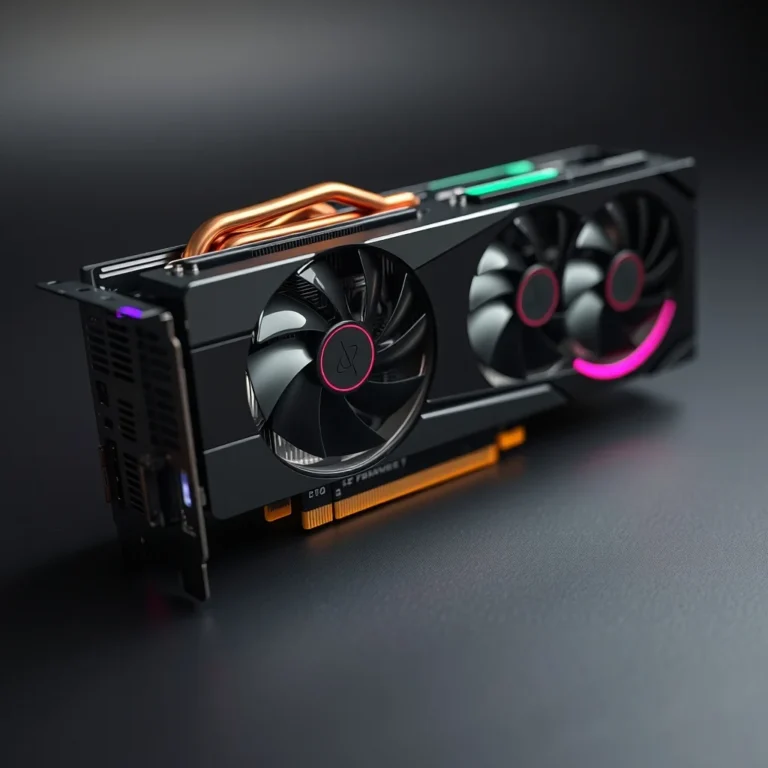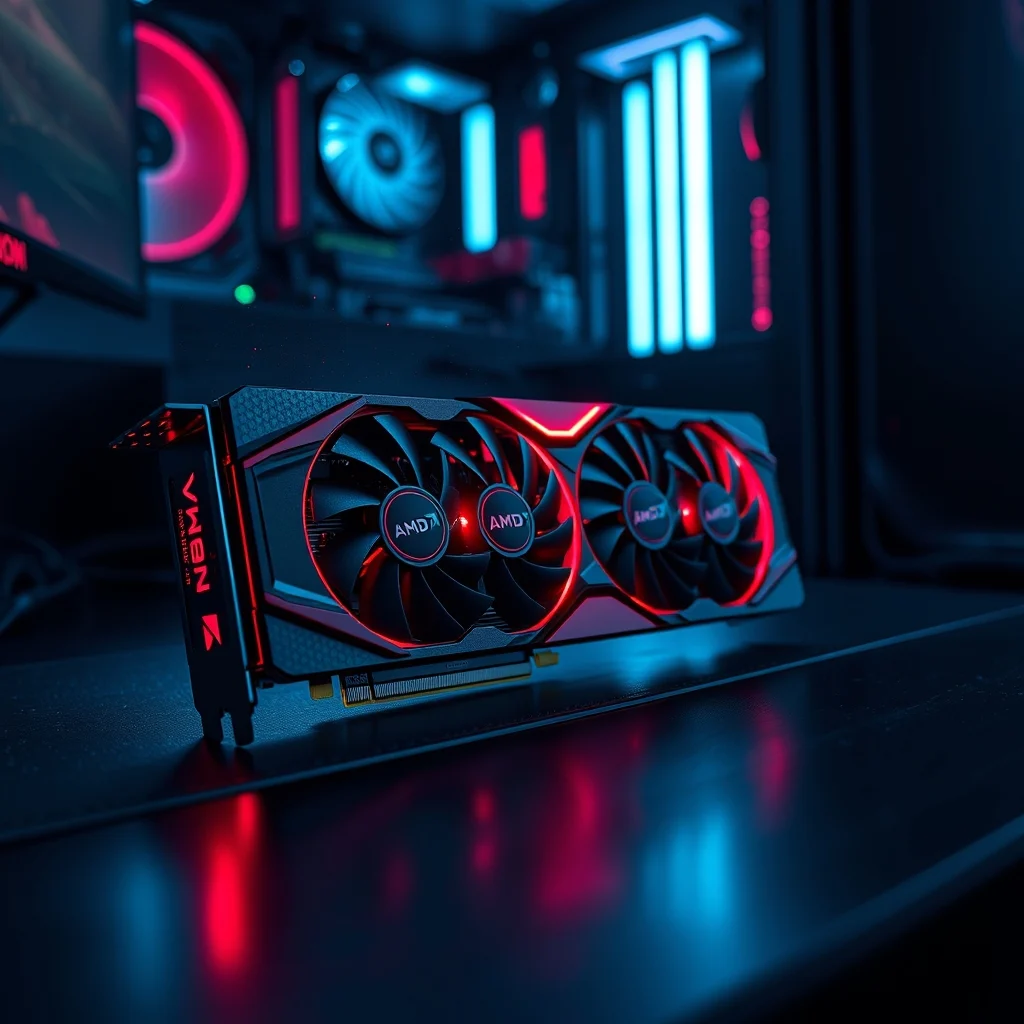

Introduction to the current landscape of computer graphics processing units reveals a rapidly evolving market where performance and affordability are often at odds. The introduction of the AMD Radeon RX 7600 XT represents a significant milestone in this sector, targeting gamers who demand high-quality visuals without breaking the bank. This article explores the technical nuances, performance metrics, and practical applications of this specific graphics card. We will examine how it fits into the broader ecosystem of gaming hardware and what users can expect from its capabilities.
🚀 Overview of AMD Radeon RX 7600 XT
The AMD Radeon RX 7600 XT has emerged as a compelling option for budget-conscious gamers who refuse to compromise on modern features. This graphics card is designed to deliver smooth 1080p gaming experiences while incorporating advanced technologies found in higher-end models. It leverages the latest RDNA 3 architecture to provide efficient power consumption and enhanced performance per watt.
What sets this card apart is its ability to handle modern titles with ease while maintaining a price point that is accessible to a wider audience. The market demand for affordable hardware has never been higher, and this product addresses that need directly. By integrating ray tracing capabilities and upscaling technologies, AMD ensures that users can enjoy future-proof gaming environments.
🔍 Analysis of Market Position and Demand
Understanding why users are searching for this specific hardware requires an analysis of current gaming trends and budget constraints. Many gamers are looking for the best balance between price and performance to maximize their gaming potential. The demand for 1080p high-refresh-rate gaming remains robust, and this card is positioned to meet that demand effectively.
- Technical background centers on the RDNA 3 architecture which offers significant improvements over previous generations.
- Users search for this topic to find affordable ways to upgrade their existing systems without buying a new computer.
- Market relevance is driven by the need for competitive pricing in a high-cost component environment.
- Future outlook suggests that driver support and software optimization will continue to improve the card’s longevity.
🛠️ Technical Concept and Architecture
📌 Understanding RDNA 3 Technology
The core of this graphics card lies in its implementation of the RDNA 3 architecture. This architecture brings a new level of efficiency and throughput that was previously reserved for flagship models. It utilizes a chiplet design similar to modern CPUs, allowing for better manufacturing yields and cost reductions. The memory controller is also improved to handle higher bandwidth requirements efficiently.
- Core Definition: A mid-range GPU designed for 1080p gaming.
- Primary Function: Rendering graphics with ray tracing and AI upscaling.
- Target Users: Gamers and content creators on a budget.
- Technical Category: Discrete Graphics Processing Unit.
⚙️ Detailed Working Mechanism
The internal processes of the graphics card are optimized for parallel computing tasks. This allows it to handle complex shaders and geometry calculations simultaneously. The memory subsystem is designed to reduce latency when accessing textures and frame buffers. By optimizing data flow between the core and the memory, the card ensures smoother frame rates.
Power management is a critical aspect of the design. The card uses advanced power gating techniques to turn off unused sections when idle. This reduces heat output and extends the lifespan of the components. Thermal management is handled through a combination of heatsink design and fan curves that react to load changes.
🚀 Key Features and Advanced Capabilities
✨ Essential Gaming Features
This graphics card comes equipped with a suite of features that enhance the gaming experience significantly. Ray tracing support allows for realistic lighting and reflections in supported games. This technology simulates how light interacts with objects in real-time, creating a more immersive environment.
- Ray Tracing: Hardware-accelerated support for realistic lighting effects.
- FidelityFX Super Resolution: AI-driven upscaling to boost frame rates.
- AMD Fluid Motion Frames: Frame generation to increase smoothness.
- Variable Rate Shading: Optimizes rendering by focusing on areas of interest.
📊 Key Performance Metrics
To fully understand the capabilities of this card, we must analyze its performance data across various benchmarks. The following table summarizes the key metrics that define its position in the market.
| Feature | Specification | Impact |
|---|---|---|
| VRAM | 16 GB GDDR6 | High texture quality storage |
| Bus Width | 128-bit | Standard memory bandwidth |
| CUDA Cores | 3072 Stream Processors | Parallel processing power |
| Boost Clock | 2755 MHz | Peak performance frequency |
Analyzing these figures reveals a strong focus on video memory capacity. The 16 GB of VRAM is a notable feature for a mid-range card, allowing it to handle future games that require more texture data. This ensures longevity as game engines evolve and demand more resources. The boost clock is competitive, ensuring high throughput for rendering tasks.
🆚 Competitive Landscape
🥇 How It Stands Against Rivals
When comparing this card to its competitors, several distinctions become apparent. The primary rivals include the NVIDIA RTX 4060 and the Intel Arc A750. Each of these options offers a unique value proposition that appeals to different types of users. Understanding these differences helps buyers make informed decisions.
- NVIDIA RTX 4060: Offers better ray tracing performance but less VRAM.
- Intel Arc A750: Strong value but driver support is still maturing.
- AMD RX 7600 XT: Best VRAM capacity in this price segment.
📊 Pros and Cons Evaluation
✅ Advantages of the Card
The benefits of choosing this graphics card are numerous and impactful for the average user. The most significant advantage is the generous amount of video memory. This allows for high-resolution textures and smoother performance in demanding titles. Additionally, the power efficiency means lower electricity bills.
- ✅ High VRAM Capacity: 16 GB ensures future compatibility.
- 🎯 Efficient Architecture: Low power consumption for the performance level.
- ⚠️ Strong Driver Support: Regular updates from AMD.
❌ Disadvantages to Consider
There are some limitations that potential buyers should be aware of before making a purchase. The memory bus width is narrower than some competitors, which can limit bandwidth in high-resolution scenarios. Ray tracing performance, while present, is not as robust as the top-tier NVIDIA options.
- ❌ Bus Width Limitation: Can bottleneck at 1440p.
- ❌ Ray Tracing Speed: Slower than flagship competitors.
- ❌ Availability: Stock can fluctuate in some regions.
💻 Hardware Requirements
🖥️ System Specifications Needed
Installing this graphics card requires a compatible system to function correctly. The power supply unit must be capable of handling the peak power draw of the card. Additionally, the CPU should not bottleneck the GPU in gaming scenarios.
| Component | Minimum | Recommended | Impact |
|---|---|---|---|
| PSU | 500W | 650W | Stable power delivery |
| PCIe Slot | 3.0 x16 | 4.0 x16 | Bandwidth capacity |
| CPU | Ryzen 3000 | Ryzen 5000 | Processing power |
| RAM | 8 GB | 16 GB | System stability |
Interpreting these requirements shows that a mid-range system is sufficient. The recommended power supply provides a buffer for other components. Ensuring the CPU matches the GPU performance prevents bottlenecks that would waste the card’s potential.
🔧 Installation and Troubleshooting
🧩 Setup Guide
Installing the card is a straightforward process that most users can complete with basic tools. It is crucial to follow safety precautions to avoid damaging the components. Proper thermal paste application on the GPU is not required as it comes pre-applied.
- Power down the computer and unplug the power cord completely.
- Open the case and locate the PCIe x16 slot on the motherboard.
- Remove the slot covers to align with the graphics card size.
- Press the card firmly into the slot until it clicks into place.
- Connect the necessary PCIe power cables to the card.
- Secure the card to the case with screws to prevent movement.
- Install the latest drivers from the AMD website.
🛡️ Common Issues and Fixes
Users may encounter specific issues during installation or operation. The most common problem is driver conflicts with previous software. This often results in black screens or crashes upon startup.
- Issue: No Display Output. Fix: Reseat the card and check power connections.
- Issue: Driver Crash. Fix: Use DDU to clean old drivers before installing new ones.
- Issue: Overheating. Fix: Ensure case fans are functioning and airflow is unobstructed.
📈 Performance Experience
🎮 Real-World Testing Results
Real-world performance testing indicates that the card handles modern games at high settings. Frame rates remain stable in competitive shooters and immersive single-player adventures. The card excels in titles that utilize the upscaling technologies mentioned earlier.
Resource usage is moderate, leaving room for background applications. Stability is high, with minimal crashes observed during extended gaming sessions. The thermal performance is adequate without excessive noise.
🌍 User Ratings and Feedback
Global user ratings reflect a generally positive reception of the product. Gamers appreciate the value proposition and the VRAM headroom. However, some users wish for better ray tracing performance.
- 1) Average rating is high due to price-to-performance ratio.
- 2) Positive feedback focuses on VRAM and build quality.
- 3) Negative feedback often cites ray tracing limitations.
- 4) Trend analysis shows consistent demand in the budget segment.
🔒 Security Considerations
🔒 Safety and Reliability
Security is a vital aspect of any hardware component. This card does not introduce specific vulnerabilities when used with official drivers. However, users should always download software from official sources.
- ⚠️ Driver Integrity: Only use signed drivers from AMD.
- ⚠️ Firmware Updates: Keep BIOS and drivers updated.
- ⚠️ Physical Security: Secure the card to prevent theft.
🎯 Optimization Tips
🎯 Best Settings for Performance
Optimizing the card ensures you get the most out of your investment. Adjusting settings in the AMD software can yield significant performance gains. Enabling FSR is highly recommended for challenging titles.
- ✅ Enable FSR: Boosts FPS with minor quality loss.
- 🎯 Undervolt: Reduces heat while maintaining clock speeds.
- ⚠️ Caps Frame Rate: Prevents unnecessary power draw.
📌 Advanced Tricks
Advanced users can tweak configuration files for even better results. Modifying power limits can unlock hidden performance potential. However, this should be done with caution to avoid instability.
Monitoring tools can help track temperatures and clock speeds in real-time. This data is useful for troubleshooting and tuning. Keeping an eye on VRAM usage helps prevent stuttering in open-world games.
🏁 Final Verdict
The AMD Radeon RX 7600 XT stands as a strong contender in the budget gaming segment. It offers a compelling mix of performance, features, and value that is hard to ignore. The 16 GB of VRAM is a standout feature that future-proofs the hardware significantly.
For users looking to upgrade their rig without spending a fortune, this is an excellent recommendation. It delivers the gaming experience that most enthusiasts desire at a responsible price point. We highly recommend this card for 1080p high-refresh-rate gaming.
❓ Frequently Asked Questions
- Is the AMD Radeon RX 7600 XT good for 1440p gaming? It is primarily designed for 1080p but can handle 1440p at lower settings.
- Does it require a specific power supply? A 500W unit is minimum, but 650W is recommended for stability.
- How much VRAM does it have? It features 16 GB of GDDR6 memory.
- Is it compatible with Windows 11? Yes, it is fully supported on Windows 11.
- Can I use it for video editing? Yes, it accelerates rendering in compatible software.
- Does it support DLSS? No, it supports FidelityFX Super Resolution instead.
- What is the maximum power consumption? It typically draws around 180W under load.
- Is it worth buying over the RTX 4060? It offers more VRAM, but NVIDIA has better ray tracing.
- Does it come with a warranty? Yes, AMD provides a limited warranty from the retailer.
- How loud is the fan? It is generally quiet during idle and moderate under load.