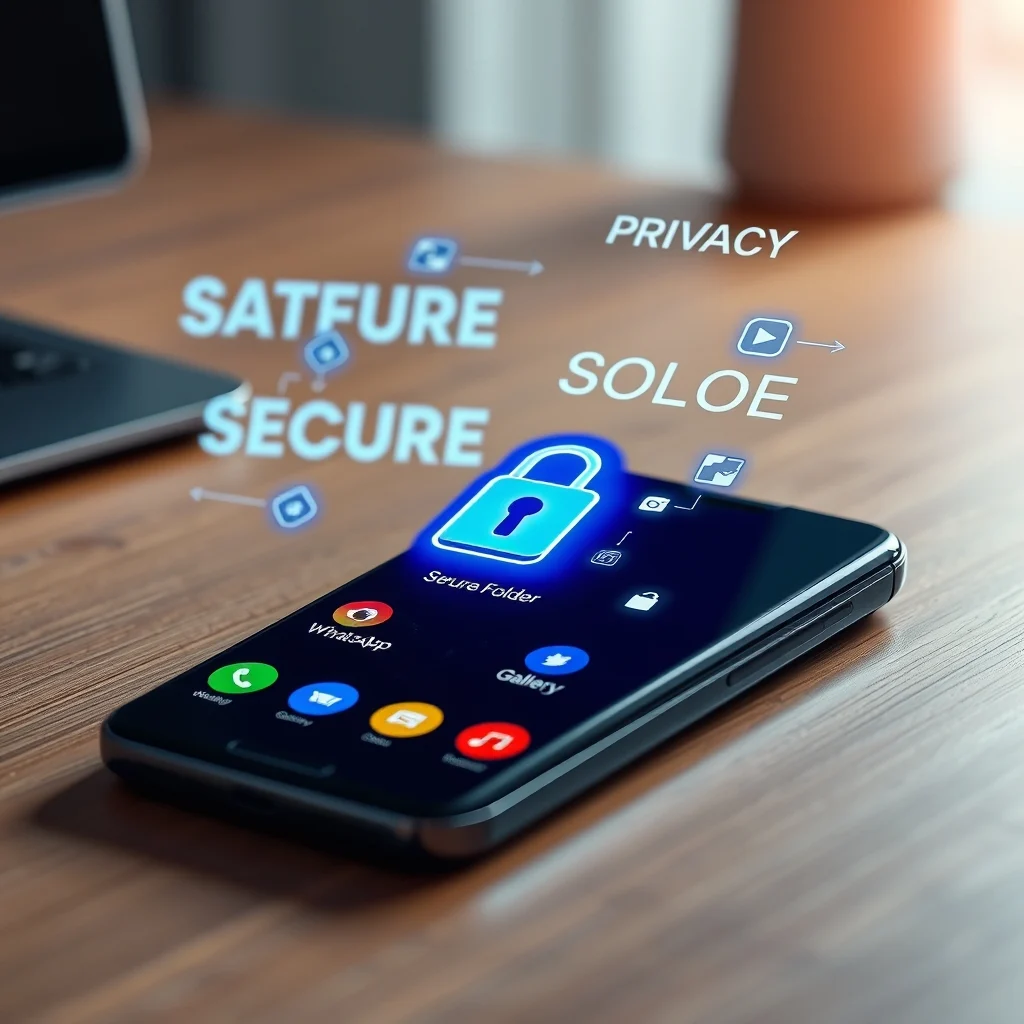

In today’s digital age, privacy is more than just a luxury—it’s a necessity. With smartphones storing a vast array of personal and sensitive data, from financial apps to private conversations, ensuring that your information remains secure is paramount. Android, one of the most widely used mobile operating systems, offers a built-in solution called Secure Folder. This feature, primarily available on Samsung devices but also found in modified forms on other Android phones, creates an encrypted workspace where you can hide apps, files, and even duplicate apps for added privacy.
Whether you’re looking to secure your banking apps, keep personal photos hidden from prying eyes, or maintain separate work and personal profiles without switching devices, Android’s Secure Folder provides a robust solution. In this comprehensive guide, we’ll walk you through everything you need to know: from enabling Secure Folder to customizing its settings, using it for dual-app functionality, and leveraging it for maximum privacy. By the end, you’ll have the knowledge to transform your Android device into a fortress of privacy.
📰 Why Secure Folder is Essential for Android Users
The need for privacy on smartphones has never been greater. According to a 2026 report by Cybersecurity Ventures, over 70% of smartphone users store sensitive information like passwords, financial details, or personal documents on their devices. Yet, many remain unaware of how easily this data can be compromised. Public Wi-Fi networks, shoulder surfing, or even malware can expose your private information if not properly secured.
Secure Folder addresses these concerns by creating a sandboxed environment within your Android device. This isolated space uses Samsung’s Knox security platform to encrypt data at the hardware level, making it nearly impossible for unauthorized access. Unlike standard folders or app hiders, Secure Folder doesn’t just mask your content—it locks it down with biometric authentication (fingerprint or facial recognition) and a separate PIN. This dual-layer security ensures that even if someone gains access to your phone, they won’t be able to bypass Secure Folder without your credentials.
Beyond security, Secure Folder also enhances productivity and organization. Imagine needing to use two versions of the same app—one for work and one for personal use. With Secure Folder, you can clone apps and run them simultaneously without data overlap. This feature alone makes it indispensable for professionals, students, or anyone juggling multiple roles on a single device.