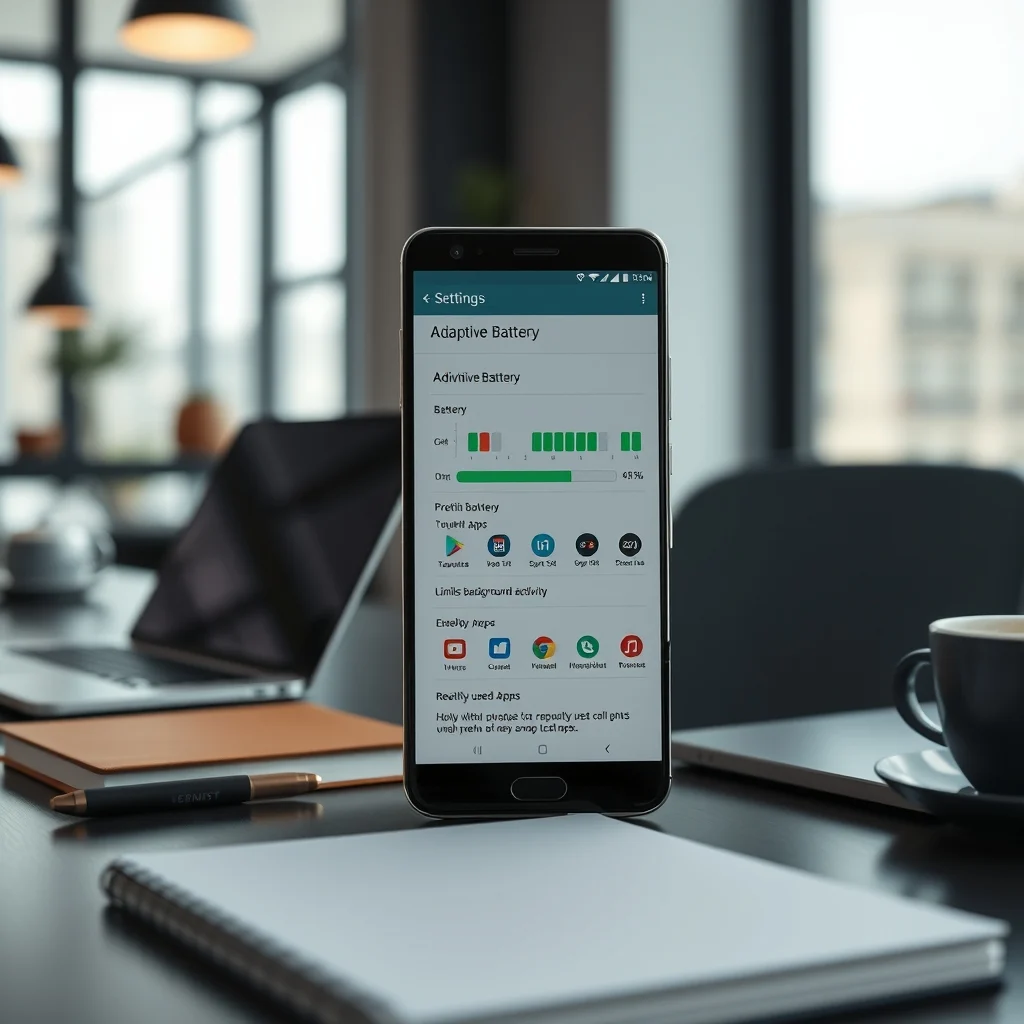

Android’s Adaptive Battery feature is a powerful tool designed to optimize battery life by learning and adapting to your usage patterns. This intelligent system helps extend battery life by prioritizing power for the apps you use most and limiting background activity for those you don’t. In this article, we’ll delve into how Adaptive Battery works, its benefits, and how to enable and customize it for your device.
📰 Introduction to Adaptive Battery
Adaptive Battery is part of Android’s Digital Wellbeing suite, introduced to help users manage their device usage more effectively. It uses machine learning to understand your app usage patterns and adjusts power consumption accordingly. This means that apps you use frequently will get more battery power, while those you rarely use will have their background activity restricted.
🔍 How Adaptive Battery Works
Adaptive Battery works by analyzing your app usage over time. It categorizes apps into different activity buckets based on how often you use them. The system then allocates battery power accordingly:
- Active: Apps you use frequently.
- Working set: Apps you use occasionally.
- Frequent: Apps you use less often.
- Rare: Apps you rarely use.
- Never: Apps you never use.
By understanding your usage patterns, Adaptive Battery can optimize battery life by reducing background activity for apps you don’t use often, thereby saving power for the apps you do use.
🌟 Benefits of Adaptive Battery
Adaptive Battery offers several benefits for users looking to extend their device’s battery life:
- Improved battery life: By prioritizing power for frequently used apps, Adaptive Battery helps extend your device’s battery life.
- Reduced background activity: Limiting background activity for rarely used apps helps conserve battery power.
- Personalized optimization: Adaptive Battery learns from your usage patterns, providing a personalized optimization experience.
🛠️ Enabling and Customizing Adaptive Battery
Enabling and customizing Adaptive Battery is a straightforward process. Here’s how you can do it:
🔹 Enabling Adaptive Battery
1. Open the Settings app on your Android device.
2. Navigate to Battery > Adaptive preferences.
3. Toggle on Adaptive Battery.
Once enabled, Adaptive Battery will start learning your usage patterns and optimizing battery life accordingly.
🔹 Customizing Adaptive Battery
While Adaptive Battery is designed to work automatically, you can customize it to some extent:
- App-specific settings: You can manually adjust the battery usage for specific apps by going to Settings > Battery > Adaptive preferences > App-specific settings.
- Background restrictions: You can restrict background activity for specific apps by going to Settings > Battery > Adaptive preferences > Background restrictions.
🌍 Real-World Usage Scenarios
Adaptive Battery can be particularly useful in various real-world scenarios:
- Commuters: For those who commute daily, Adaptive Battery can help extend battery life by prioritizing power for navigation and music apps.
- Students: Students who use their devices for studying and entertainment can benefit from Adaptive Battery by ensuring that educational apps get more battery power.
- Professionals: Professionals who use their devices for work can optimize battery life by prioritizing power for productivity apps.
🗣️ User Testimonials
Many users have reported significant improvements in battery life after enabling Adaptive Battery:
- John D.: ‘Since enabling Adaptive Battery, my phone lasts a full day without needing a charge. It’s a game-changer!’
- Sarah L.: ‘I use my phone for both work and play, and Adaptive Battery has helped me manage my battery life much better.’
- Mike R.: ‘Adaptive Battery has been a lifesaver during long commutes. My phone stays charged all day long.’
💡 Tips for Maximizing Adaptive Battery
To get the most out of Adaptive Battery, consider the following tips:
- Keep your device updated: Ensure your device is running the latest version of Android to benefit from the latest improvements in Adaptive Battery.
- Use Digital Wellbeing: Combine Adaptive Battery with other Digital Wellbeing features to manage your device usage more effectively.
- Monitor battery usage: Regularly check your battery usage to understand which apps are consuming the most power.
🔐 Security Considerations
Adaptive Battery is designed with security in mind. It does not collect or share personal data. The system only analyzes app usage patterns to optimize battery life.
🔍 Frequently Asked Questions
- What is Adaptive Battery?
Adaptive Battery is a feature in Android that uses machine learning to optimize battery life by prioritizing power for frequently used apps and limiting background activity for rarely used apps.
- How does Adaptive Battery work?
Adaptive Battery works by analyzing your app usage patterns and categorizing apps into different activity buckets. It then allocates battery power accordingly to extend battery life.
- How do I enable Adaptive Battery?
To enable Adaptive Battery, go to Settings > Battery > Adaptive preferences and toggle on Adaptive Battery.
- Can I customize Adaptive Battery?
Yes, you can customize Adaptive Battery by adjusting app-specific settings and background restrictions in the Battery settings.
- Is Adaptive Battery safe?
Yes, Adaptive Battery is designed with security in mind. It does not collect or share personal data and only analyzes app usage patterns to optimize battery life.