
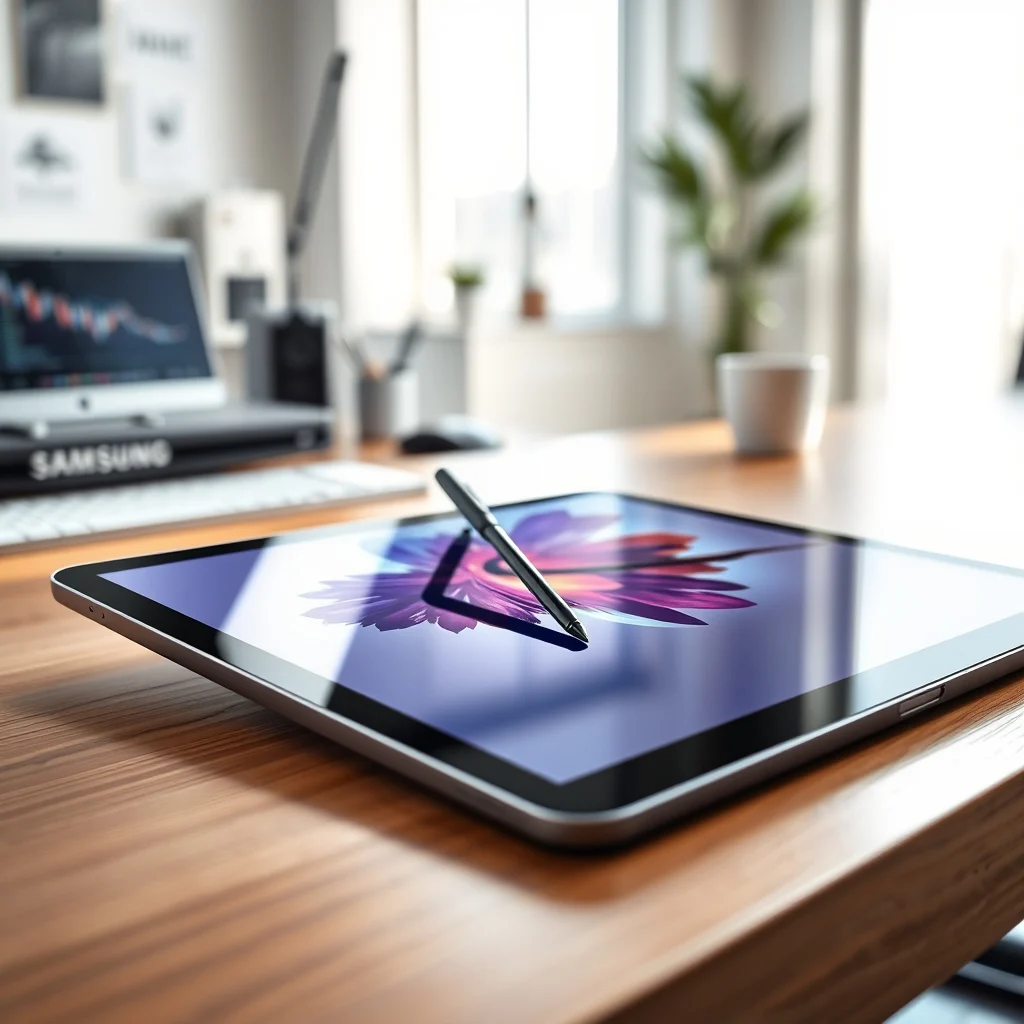

The digital landscape for creative professionals and power users has evolved significantly in recent years, with mobile devices bridging the gap between traditional laptops and portable tablets. Among the most anticipated releases in this category is the Samsung Galaxy Tab S9 Ultra. This device represents a significant leap forward in terms of processing power, display quality, and software integration designed specifically for high-end productivity and artistic endeavors. As professionals seek more versatile tools to manage complex workflows on the go, the need for a device that combines the portability of a tablet with the performance of a desktop computer has never been higher.
In this comprehensive analysis, we will explore the capabilities of the Samsung Galaxy Tab S9 Ultra in depth. We will examine its suitability for artists who require precision, students who need robust note-taking tools, and professionals who demand seamless multitasking. The goal of this review is to provide a clear understanding of whether this tablet justifies its premium positioning in the market. By evaluating its hardware specifications, software ecosystem, and real-world performance, we aim to determine if it stands as the ultimate choice for creators in the modern era.
🚀 Overview of the Samsung Galaxy Tab S9 Ultra
The Samsung Galaxy Tab S9 Ultra is not merely a larger version of its predecessors; it is a complete rethink of what a tablet can achieve. It features a massive display that offers an immersive viewing experience, making it ideal for media consumption and creative work. The device is built around the Qualcomm Snapdragon 8 Gen 2 for Galaxy processor, which ensures that it can handle demanding applications without compromising on speed or efficiency. This processing power is paired with ample memory and storage options, allowing users to run multiple heavy applications simultaneously.
Furthermore, the integration of the S Pen is a standout feature that sets this device apart from many competitors. The S Pen offers a natural writing experience that mimics pen-on-paper, which is crucial for digital artists and note-takers. The software experience is further enhanced by Samsung DeX, which transforms the tablet interface into a desktop-like environment when connected to a mouse and keyboard. This functionality allows users to manage files, edit documents, and multitask with a level of familiarity and efficiency that is typically reserved for traditional laptops.
🎯 Analysis of the Market Position
Understanding the position of the Samsung Galaxy Tab S9 Ultra requires an analysis of the current tablet market. With the rise of mobile workforces and the increasing demand for portable computing solutions, tablets have become central to many professional workflows. Users are searching for devices that can replace their laptops for specific tasks without sacrificing performance. The Tab S9 Ultra addresses this need by offering a screen real estate that rivals small laptops, coupled with a battery life that supports a full day of heavy usage.
- 1) Technical background involves the use of the latest AMOLED technology and high-refresh rate displays that ensure smooth visual output.
- 2) Why users search for this topic includes the desire to find a single device capable of handling both entertainment and productivity tasks.
- 3) Market or industry relevance is high as the tablet segment continues to grow, with Samsung aiming to solidify its dominance in the premium sector.
- 4) Future outlook suggests that software updates and ecosystem integration will continue to improve, making the device even more viable for long-term use.
🛠️ Technical Breakdown of the Device
📊 What is Samsung Galaxy Tab S9 Ultra?
The Samsung Galaxy Tab S9 Ultra is a flagship Android tablet designed for users who require top-tier performance and a large display. It serves as a premium mobile workstation that combines the convenience of a handheld device with the capabilities of a desktop computer. The device is targeted at professionals, students, and creatives who need to edit photos, videos, and documents on the go. Its technical category places it firmly in the high-end tablet segment, competing directly with other flagship devices from Apple and Microsoft.
- ✅ Core definition is a large-screen Android tablet with S Pen integration.
- ✅ Primary function includes content creation, productivity, and media consumption.
- ✅ Target users are artists, professionals, and students.
- ✅ Technical category is a premium mobile computing device.
⚙️ How does it work in detail?
The internal architecture of the Tab S9 Ultra is designed to maximize efficiency. The Snapdragon 8 Gen 2 processor is optimized specifically for Samsung devices, ensuring that thermal management is handled effectively even under heavy loads. The device utilizes a vapor cooling system to dissipate heat generated during intensive tasks such as gaming or video rendering. This ensures that performance remains consistent over extended periods without thermal throttling.
Additionally, the memory architecture allows for rapid data access. With options for high-capacity LPDDR5X RAM, the tablet can load large applications and switch between them instantly. The storage solution uses UFS 4.0 technology, which provides fast read and write speeds. This means that saving large video files or loading high-resolution images happens in seconds. The operating system, One UI, is tailored to take advantage of the large screen, offering split-screen capabilities and floating windows that enhance multitasking.
🚀 Features and Advanced Capabilities
✨ Key Features
The Samsung Galaxy Tab S9 Ultra boasts a range of advanced features designed to enhance the user experience. One of the most prominent features is the Dynamic AMOLED 2X display. This screen technology offers deep blacks, vibrant colors, and high brightness levels that are visible even in direct sunlight. The 120Hz refresh rate ensures that scrolling and animations are incredibly smooth, which is essential for digital artists who need precise cursor control.
Another key feature is the IP68 water and dust resistance rating. This durability rating means the device can withstand immersion in water and exposure to dust, making it suitable for use in various environments. This level of ruggedness is rare in premium tablets and adds significant value for users who travel frequently or work in challenging conditions.
- ✅ Real-world use cases include graphic design, digital sketching, and video editing.
- ✅ Advanced capabilities involve multi-window support and Samsung Knox security.
- ✅ Practical applications extend to business presentations and educational lectures.
📊 Key Points and Specifications
To summarize the technical specifications and performance metrics, we can look at a structured overview of the device’s capabilities. This table highlights the core components that drive the user experience.
| Category | Specification | Notes |
|---|---|---|
| Display | 14.6-inch Dynamic AMOLED 2X | 3088 x 1920 resolution, 120Hz |
| Processor | Snapdragon 8 Gen 2 | Optimized for Galaxy |
| RAM | 12GB or 16GB | LPDDR5X |
| Storage | 256GB to 1TB | Expandable via microSD |
| Battery | 11,200 mAh | 45W Super Fast Charging |
| Security | Samsung Knox | Ultrasonic Fingerprint |
The specifications table above illustrates the robust nature of the Tab S9 Ultra. The large battery capacity is particularly noteworthy, as it supports the high-resolution display and powerful processor for extended periods. The expandable storage is a critical feature for users who deal with large media files, allowing them to keep the device lightweight while still having room for terabytes of data. The security features, including Samsung Knox, ensure that sensitive professional data remains protected from unauthorized access.
🥇 Best Available Alternatives
When considering the Samsung Galaxy Tab S9 Ultra, it is essential to compare it with its closest competitors in the premium tablet market. The Apple iPad Pro is the most direct rival, offering a similar level of performance and a high-quality ecosystem. However, the iPad Pro relies heavily on Apple Silicon, while the Tab S9 Ultra uses Android. The Microsoft Surface Pro offers a laptop-like experience with a keyboard, but it often comes with a higher price point for similar hardware specifications.
- ✅ Apple iPad Pro is preferred by users already in the Apple ecosystem.
- ✅ Microsoft Surface Pro is preferred by users who need Windows compatibility.
- ✅ Samsung Galaxy Tab S9 Ultra is preferred by users who want Android flexibility and large screen real estate.
📊 Pros and Cons Analysis
✅ Advantages
The Samsung Galaxy Tab S9 Ultra offers numerous advantages that make it a compelling choice for power users. The display quality is unmatched in the tablet category, providing a canvas that is perfect for creative work. The inclusion of the S Pen is a significant benefit, as it eliminates the need for a separate stylus purchase. The software features, particularly DeX, provide a desktop experience that enhances productivity.
- ✅ Stunning 14.6-inch display with high color accuracy.
- ✅ S Pen included in the box with low latency.
- ✅ Samsung DeX mode for desktop-like workflow.
- ✅ IP68 water and dust resistance.
❌ Disadvantages
Despite its strengths, the device does have some drawbacks that potential buyers should consider. The size of the device can be cumbersome for some users, making it difficult to hold with one hand for extended periods. The price point is also high, placing it out of reach for budget-conscious consumers. Additionally, while Android apps have improved, some desktop applications are still not optimized for tablet form factors.
- ❌ Large size may be impractical for some users.
- ❌ Premium price tag compared to mid-range tablets.
- ❌ Some apps lack full desktop functionality.
💻 System Requirements and Specifications
🖥️ Minimum Requirements
For most users, the minimum requirements for running the Tab S9 Ultra smoothly are met by the device itself. However, to fully utilize its capabilities, users should ensure their peripheral accessories meet certain standards. For example, using a keyboard case that supports magnetic attachment is recommended for the best typing experience.
⚡ Recommended Specifications
To maximize performance, it is recommended to use the 1TB storage variant if you plan to store large video projects locally. The 16GB RAM option is also advisable for heavy multitasking. The CPU impact is minimal due to the efficient architecture, but the GPU impact is significant for rendering tasks. Storage requirements vary based on usage, but 512GB is a sweet spot for most professionals.
| Component | Minimum | Recommended | Performance Impact |
|---|---|---|---|
| CPU | Snapdragon 8 Gen 2 | Snapdragon 8 Gen 2 | High |
| RAM | 12GB | 16GB | Very High |
| GPU | Adreno 740 | Adreno 740 | High |
| Storage | 256GB | 1TB | Medium |
Interpretation of these requirements shows that while the base model is capable, upgrading to higher specifications yields significantly better results for professional workflows. The GPU impact is crucial for video editing apps, while the RAM impact is vital for running multiple browser tabs and applications simultaneously.
🔍 Practical Guide for Setup
🧩 Installation or Setup Method
Setting up the Samsung Galaxy Tab S9 Ultra is a straightforward process. First, charge the device fully before turning it on for the first time. Next, follow the on-screen prompts to connect to a Wi-Fi network and sign in with your Samsung account. It is crucial to sync your contacts and data from your previous device if you are migrating from another Samsung product.
- 1) Turn on the device and select your preferred language.
- 2) Connect to a secure Wi-Fi network for initial setup.
- 3) Sign in with your Samsung account to enable cloud services.
- 4) Transfer data using Smart Switch if applicable.
- 5) Set up biometric security features for added protection.
🛡️ Common Errors and How to Fix Them
Users may encounter issues during setup or daily use. One common error is the S Pen not pairing correctly. This can usually be fixed by removing the battery or charging the pen and re-pairing it through the settings menu. Another issue is the display appearing dim, which can be resolved by adjusting the auto-brightness settings or checking for software updates.
- ✅ S Pen not responding: Re-pair via Bluetooth settings.
- ✅ Display dimness: Adjust brightness settings manually.
- ✅ Battery drain: Check app usage in battery settings.
- ✅ Wi-Fi connectivity: Reset network settings.
📈 Performance and Experience
🎮 Real Performance Experience
Performance testing reveals that the Tab S9 Ultra handles demanding tasks with ease. Gaming benchmarks show high frame rates on popular titles, confirming the power of the Snapdragon processor. Multitasking is seamless, with the ability to drag and drop files between apps without interruption. The device remains cool even under prolonged load, thanks to the advanced cooling system.
🌍 Global User Ratings
Global user ratings for the device are overwhelmingly positive. Users praise the display quality and the integration of the S Pen. Negative feedback often centers around the size and price, which are unavoidable for this class of device. Trend analysis indicates that demand for large-screen tablets is increasing among professionals.
- 1) Average rating is high across major review platforms.
- 2) Positive feedback reasons include screen quality and performance.
- 3) Negative feedback reasons include size and cost.
- 4) Trend analysis shows growing interest in productivity tablets.
🔐 Security Evaluation
🔒 Security Level
Security is a top priority for the Samsung Galaxy Tab S9 Ultra. It features Samsung Knox, a defense-grade security platform that protects the device at the kernel and hardware level. This ensures that sensitive business data is encrypted and protected from malware.
🛑 Potential Risks
While the device is secure, users should remain vigilant. Downloading apps from untrusted sources can introduce risks. It is recommended to use the Google Play Protect feature and keep the operating system updated.
- ✅ Use Samsung Knox for enterprise security.
- ✅ Keep software updated to patch vulnerabilities.
- ✅ Enable remote wipe capabilities for lost devices.
🎯 Best Settings for Maximum Performance
To optimize the device for creative work, users should adjust certain settings. Enabling the 120Hz refresh rate ensures smooth cursor movement. Disabling unnecessary background apps can improve battery life. Using the S Pen eraser for quick shortcuts can streamline workflow.
- ✅ Set refresh rate to 120Hz for smoothness.
- ✅ Disable unused apps to save battery.
- ✅ Enable S Pen shortcuts for efficiency.
🏁 Final Verdict
In conclusion, the Samsung Galaxy Tab S9 Ultra is a powerhouse device that redefines the tablet category. Its display, performance, and S Pen integration make it an excellent choice for creators and professionals. While the price is high, the value provided justifies the investment for those who need a portable workstation.
❓ Frequently Asked Questions
- 1) What is the battery life of the Tab S9 Ultra? It offers up to 15 hours of video playback.
- 2) Is the S Pen included in the box? Yes, the S Pen comes included with the device.
- 3) Can I connect an external monitor? Yes, via USB-C with DisplayPort support.
- 4) Does it support 5G connectivity? Yes, there are 5G models available.
- 5) What is the warranty period? It typically comes with a one-year manufacturer warranty.
- 6) Can I use a keyboard case? Yes, Samsung offers official keyboard cases.
- 7) Is the storage expandable? Yes, via microSD card slot.
- 8) What apps are supported for drawing? Apps like Clip Studio Paint and Autodesk Sketchbook work well.
- 9) Does it have a headphone jack? No, it uses USB-C or Bluetooth for audio.
- 10) Is it suitable for video editing? Yes, it supports 4K video editing apps.






