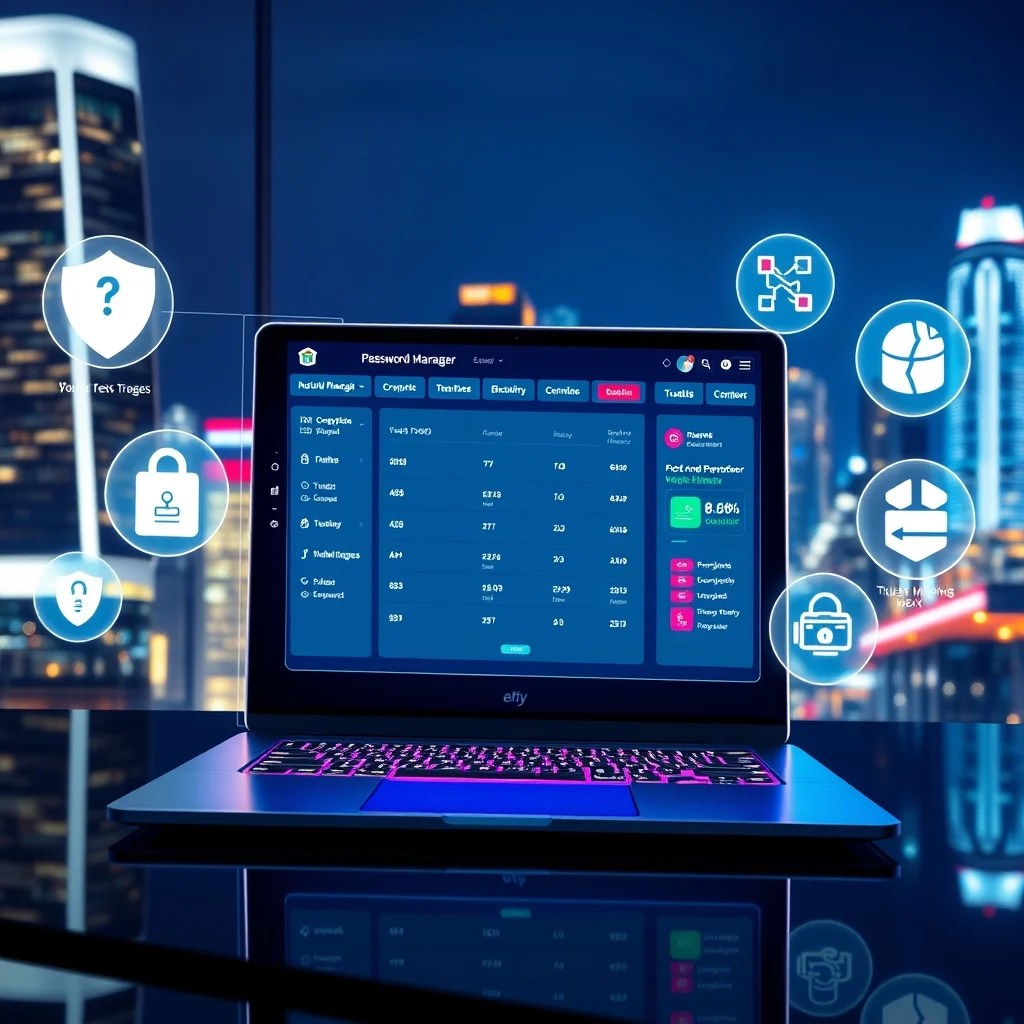

In an era where digital security is paramount, password managers have become indispensable tools for safeguarding sensitive information. This comprehensive guide explores the top password managers available in 2026, evaluating their features, security protocols, and user-friendliness. Whether you’re an individual seeking personal security, a business protecting corporate data, or a tech-savvy user with advanced security needs, this review will help you make an informed decision.
🚀 Why Password Managers Matter in 2026
Password managers are no longer optional—they are essential for anyone who values online security. With cyber threats evolving rapidly, relying on weak or reused passwords is a significant risk. A robust password manager not only stores your credentials securely but also generates complex passwords, monitors for breaches, and simplifies the login process across devices.
In 2026, the demand for password managers has surged due to increased remote work, rising cybercrime rates, and stricter data protection regulations. Users now expect seamless integration with biometric authentication, cross-platform synchronization, and AI-driven security alerts. This guide will dissect the best options available, ensuring you find the perfect fit for your needs.
🎯 Key Considerations When Choosing a Password Manager
Selecting the right password manager requires careful evaluation of several factors. Below are the critical aspects to consider:
- Security Features: Look for end-to-end encryption, zero-knowledge architecture, and multi-factor authentication (MFA) support.
- Ease of Use: A user-friendly interface, browser extensions, and mobile app compatibility are essential for a smooth experience.
- Cross-Platform Support: Ensure the manager works seamlessly across Windows, macOS, Linux, iOS, and Android.
- Additional Features: Advanced options like password sharing, dark web monitoring, and emergency access can enhance functionality.
- Pricing: Compare subscription models, family plans, and free tiers to find the best value.
🛠️ Top Password Managers in 2026: In-Depth Analysis
📌 1. Bitwarden: The Open-Source Champion
Bitwarden remains a top contender in 2026, thanks to its open-source nature and transparent security practices. It offers end-to-end encryption, secure password sharing, and a free tier that rivals paid competitors. Bitwarden’s cross-platform support and self-hosting options make it ideal for both personal and business use.
📌 2. 1Password: The User-Friendly Powerhouse
1Password continues to dominate with its intuitive design and robust security features. Its Travel Mode allows users to remove sensitive data from devices while traveling, and the Watchtower feature alerts users to compromised passwords. 1Password’s family and business plans are particularly well-regarded for their collaborative features.
📌 3. Dashlane: The All-in-One Security Suite
Dashlane stands out with its built-in VPN and dark web monitoring, providing an all-in-one security solution. Its password changer feature automatically updates weak or reused passwords, saving users time and effort. Dashlane’s premium plans include identity theft protection, making it a comprehensive choice for security-conscious users.
📌 4. LastPass: The Enterprise Favorite
LastPass remains a favorite among businesses due to its robust admin controls and scalability. Its password vault supports secure sharing, and the emergency access feature ensures business continuity. While LastPass has faced criticism for past security incidents, its 2026 updates have significantly strengthened its defenses.
📌 5. KeePass: The Offline Alternative
For users who prefer offline storage, KeePass is a free, open-source password manager that stores data locally. While it lacks cloud synchronization, its strong encryption and plugin support make it a favorite among privacy advocates. KeePass is ideal for users who want full control over their password database.
🆚 Comparative Analysis: Which Password Manager is Right for You?
| Feature | Bitwarden | 1Password | Dashlane | LastPass | KeePass |
|---|---|---|---|---|---|
| Encryption | AES-256 | AES-256 | AES-256 | AES-256 | AES-256, ChaCha20 |
| Free Tier | Yes | No | No | Limited | Yes |
| Multi-Factor Authentication | Yes | Yes | Yes | Yes | Plugin Required |
| Cross-Platform Support | Yes | Yes | Yes | Yes | Limited |
| Dark Web Monitoring | Premium | Yes | Yes | Yes | No |
The table above highlights the key differences between the top password managers. Bitwarden and KeePass are excellent for users who prioritize cost and control, while 1Password and Dashlane offer premium features for those willing to invest in security. LastPass remains the go-to for businesses needing scalability and admin tools.
✅ Advantages of Using a Password Manager
Password managers offer numerous benefits that extend beyond simple password storage:
- Enhanced Security: Generates and stores complex, unique passwords for each account, reducing the risk of breaches.
- Convenience: Auto-fills login credentials, saving time and reducing frustration.
- Breach Monitoring: Alerts users to compromised passwords, enabling quick action.
- Secure Sharing: Allows safe sharing of passwords with family members or team members.
- Cross-Device Sync: Ensures passwords are accessible on all devices, from smartphones to desktops.
❌ Potential Drawbacks to Consider
While password managers are highly beneficial, they are not without limitations:
- Single Point of Failure: If the master password is compromised, all stored credentials could be at risk.
- Learning Curve: Some users may find the setup and initial configuration complex.
- Subscription Costs: Premium features often require a paid subscription, which may not be feasible for all users.
- Dependency on the Service: If the password manager experiences downtime, users may temporarily lose access to their passwords.
💡 Practical Tips for Maximizing Password Manager Security
🎯 Best Practices for Setup
To get the most out of your password manager, follow these setup tips:
- Create a Strong Master Password: Use a long, complex passphrase that is unique and memorable.
- Enable Multi-Factor Authentication: Add an extra layer of security with MFA.
- Regularly Update Passwords: Use the password generator to refresh old or weak passwords.
- Backup Your Vault: Export and store a backup of your password database in a secure location.
- Monitor for Breaches: Enable alerts for dark web monitoring and data leaks.
📌 Advanced Security Measures
For users with higher security needs, consider these advanced strategies:
- Use a Hardware Security Key: Integrate YubiKey or similar devices for phishing-resistant authentication.
- Enable IP Restrictions: Limit access to your vault from specific locations.
- Regularly Audit Permissions: Review and revoke access for unused apps or devices.
- Leverage Secure Notes: Store sensitive documents and information in encrypted notes.
🏁 Final Verdict: Which Password Manager Should You Choose?
Choosing the right password manager depends on your specific needs:
- For Personal Use: Bitwarden offers the best balance of security, features, and affordability.
- For Families: 1Password’s family plan provides excellent sharing and monitoring features.
- For Businesses: LastPass’s enterprise tools and admin controls make it the top choice.
- For Privacy Advocates: KeePass’s offline storage and open-source nature ensure maximum control.
- For All-in-One Security: Dashlane’s VPN and dark web monitoring provide comprehensive protection.
Ultimately, the best password manager is one that aligns with your security requirements, budget, and ease of use. By leveraging the insights from this guide, you can confidently select a tool that enhances your digital security in 2026 and beyond.
❓ Frequently Asked Questions
- Are password managers safe to use?
Yes, password managers use advanced encryption to protect your data. However, it’s crucial to choose a reputable provider and follow best practices, such as using a strong master password and enabling MFA. - Can I use a password manager on multiple devices?
Most password managers offer cross-platform support, allowing you to sync your passwords across smartphones, tablets, and computers. - What happens if I forget my master password?
Unlike regular passwords, master passwords cannot be reset. If forgotten, you may lose access to your vault. Some managers offer emergency access or recovery options, but these should be set up in advance. - Do password managers work with all websites?
While most password managers support auto-fill for standard login forms, some websites with non-standard fields may require manual entry. - Is it worth paying for a premium password manager?
Premium plans often include advanced features like dark web monitoring, secure sharing, and priority support, making them worthwhile for users who prioritize security. - Can password managers be hacked?
While no system is entirely hack-proof, reputable password managers use robust encryption and security measures to minimize risks. Breaches are rare and typically require user error, such as a weak master password. - How do I migrate from one password manager to another?
Most password managers allow you to export your data in a standardized format (e.g., CSV) and import it into a new service. Always follow the provider’s guidelines to ensure a smooth transition. - Are there any free password managers worth using?
Bitwarden and KeePass offer excellent free tiers, making them great options for users on a budget.